Guide · Editing
Replace a grey sky with a blue one in property photos: why, how, and in one click
A grey sky flattens the front of a house, which is often the lead photo of the listing. You can swap it for a blue one in a click, with no Photoshop and no cutting out, for about 20p. Here is why to do it, a step-by-step guide in pictures inside Maiso, and the three rules, plus the Rightmove one, that keep the photo honest for the buyer who comes to view.
By Teddy Verneuil, founder of Maiso · Updated
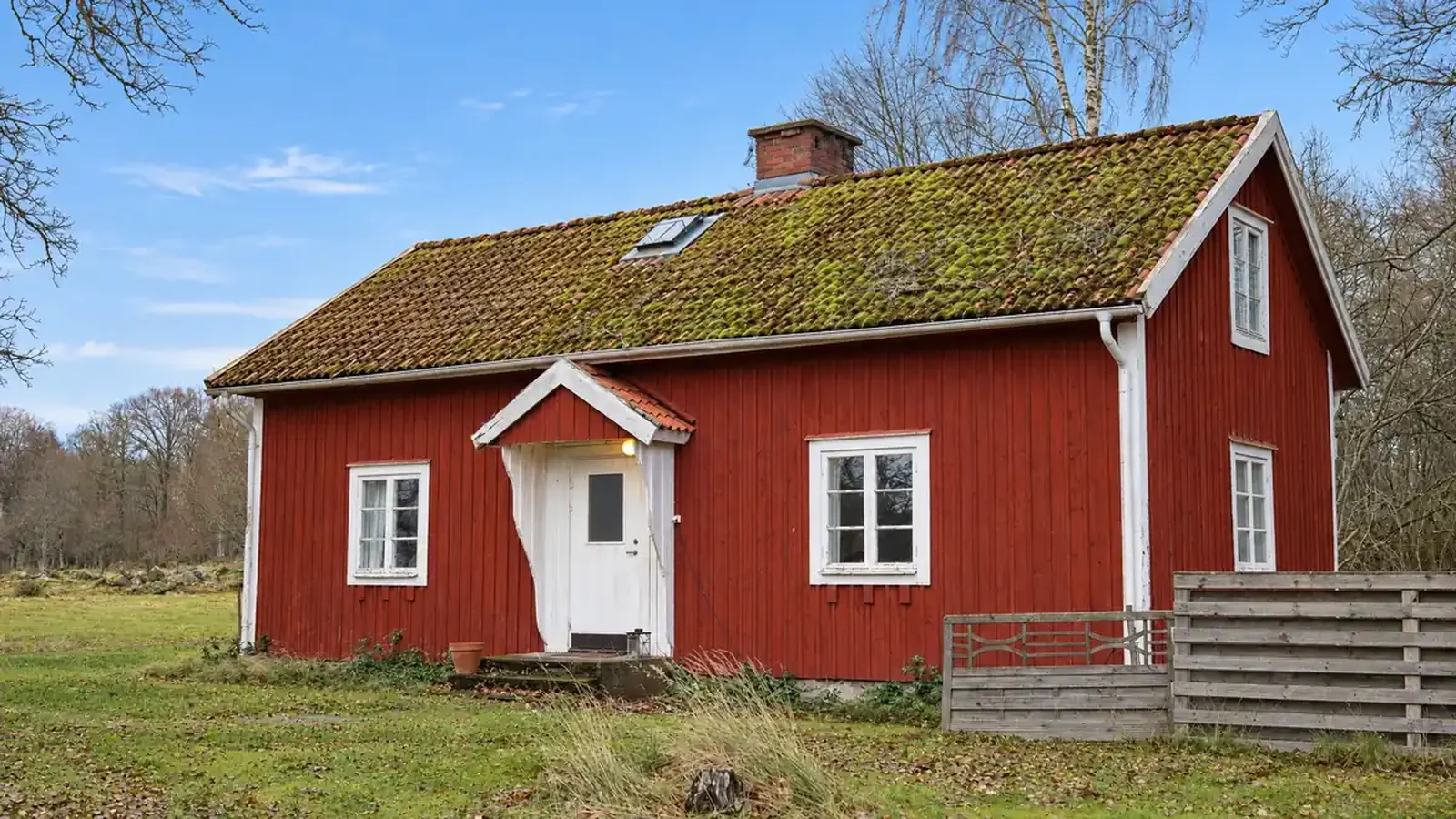
Why a grey sky works against your listing
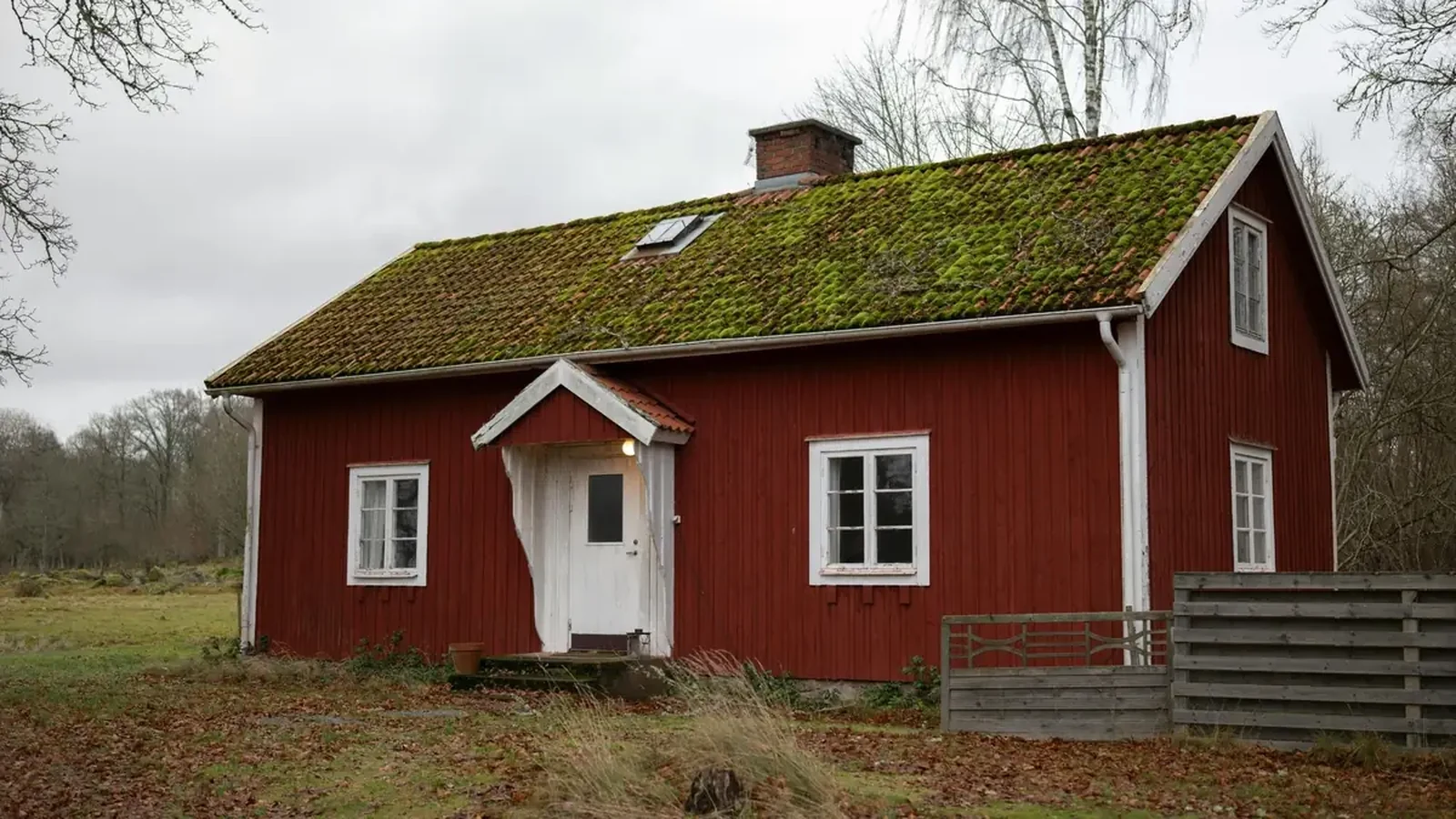
The front of the property is often the first photo in the search results, and it decides whether a buyer opens the listing. Under a grey sky everything goes flat: the colour of the walls, the lawn, the windows. The home looks sadder than it is, although the weather on the day is not a feature of the property.
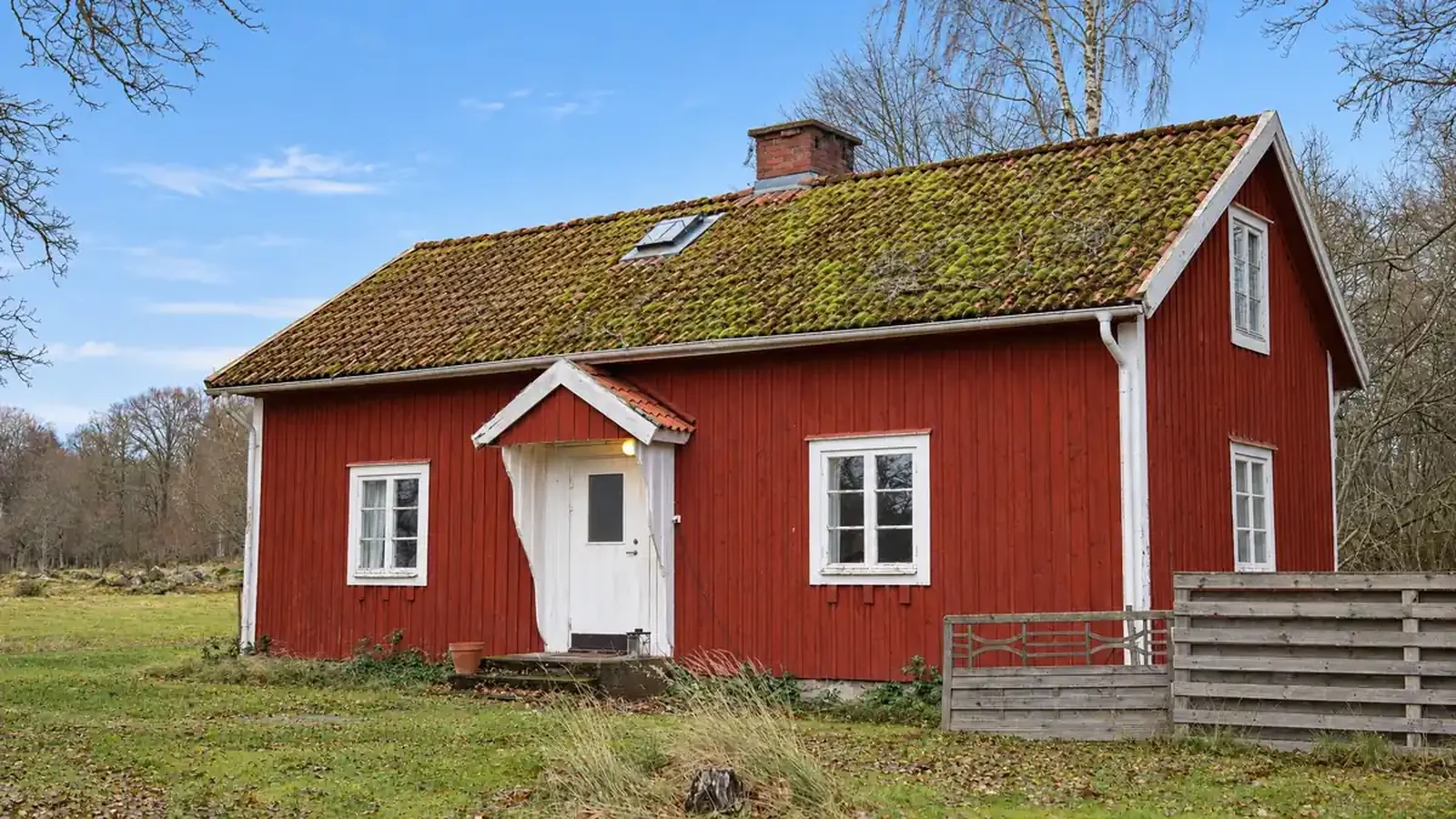
In the UK you do not choose the weather on the day of the shoot. A photographer booked weeks ago, a vendor who cannot wait: the grey sky turns up more often than not. Swapping it for a blue one gives the photo back what the day took away.
Photoshop, an outsourced editor or one click: what each takes
| Method | What it takes | Turnaround |
|---|---|---|
| Photoshop | Select the sky, choose a replacement, match the light: the tutorials that rank run from 6 to 10 minutes | Several minutes a photo, plus a subscription |
| Outsourced editor | Send the photos, wait for them to come back | Roughly 90p to £3 an image, thirty minutes to the next working day |
| Maiso | Tick “Blue sky” and run | One credit, which is 15p to 23p depending on the plan, and about two minutes |
Outsourced editing prices come from our price research for UK estate agent photo editing; tutorial lengths from the Google results page checked on 6 November 2026.
The difference is not only the price. With an outsourced editor or a drawing program you work on photos one at a time. With a tool made for agents you tick the option on a whole set of exteriors and run them together.
The guide in pictures: a blue sky in one click in Maiso
Once the photo is in the property’s folder, the sky is swapped in three moves. The screenshots show the tools panel of the app.
Steps 1 and 2: open “Exterior” and tick “Blue sky”
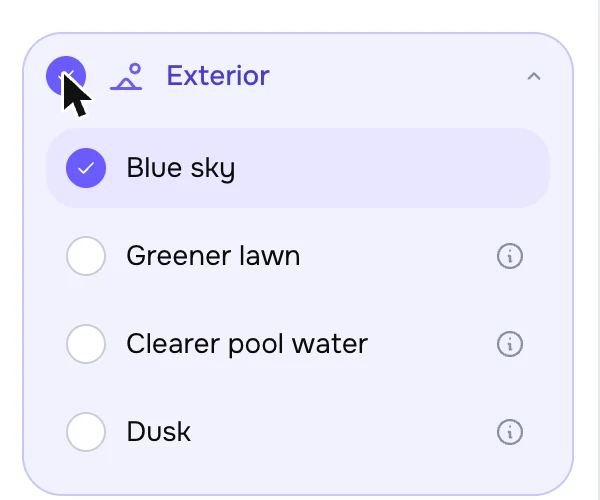
Step 3: run, one credit

The result arrives next to the original, and you compare it on a slider before keeping it. Ticking the lawn and the pool water as well does not cost more: the Exterior tool handles the sky, the lawn, the pool and dusk in a single call, for a single credit.
Try it free10 free credits, no card needed.
Three rules, and the Rightmove one
A swapped sky is still an edit, and the general rule for listing photos applies: do not mislead a buyer about something that matters to them. Our guide to what UK rules allow when you edit listing photos puts a sky among the enhancements, which are acceptable as long as they hide nothing permanent. Three habits:
- Hide nothing that will still be there. A pylon, overhead cables, a neighbouring block, a railway line, a warehouse: if the buyer will see it at the viewing, the sky must not be used to cover it.
- Keep the sky believable. A clean blue sky suits a front elevation. A sunset behind a north-facing front, or a postcard sky without a wisp of cloud, shows.
- Stay consistent across the set. If every exterior photo has a perfect sky, the eye notices. A blue sky on the front and natural light on the other views, or the same sky throughout, reads better.
Then the Rightmove one. Its technical guidelines, in their January 2026 edition, treat content generated or manipulated by AI as “Enhanced Edits”: it must be clearly labelled and accompanied by current, accurate images, and only light edits such as cropping, brightness and colour balance are exempt. Skies are not named. Read literally, a sky replaced by AI falls under the rule, so say it in the photo caption and the listing description (“sky replaced”), and keep the original photo of the property in the listing. Zoopla’s members’ terms ask members to make it clear when a photo is produced with AI.
Frequently asked questions
How do I replace a grey sky with a blue one in one click?
Import the photo into Maiso, open the Exterior tool, tick “Blue sky” and run: one credit, about two minutes. The result arrives next to the original, which you compare on a slider before keeping it.
Can estate agents replace the sky in listing photos?
Generally yes, because the weather on the day is not a feature of the property. Keep it believable, hide nothing permanent on the skyline, and on Rightmove label it, since its guidelines require AI-manipulated content to be clearly labelled and accompanied by current, accurate images.
How much does a blue sky cost on a photo?
One credit with Maiso, 15p to 23p depending on the plan. Outsourced editing runs from roughly 90p to £3 an image, delivered in thirty minutes to the next working day.
What if the result looks too artificial?
Reject it: the credit comes back and the original stays untouched. Run it again, or keep the original photo for that view.
Give your exteriors the weather they deserve.
Ten free credits, no card needed: enough to swap the sky on every exterior of a property and compare on the slider.