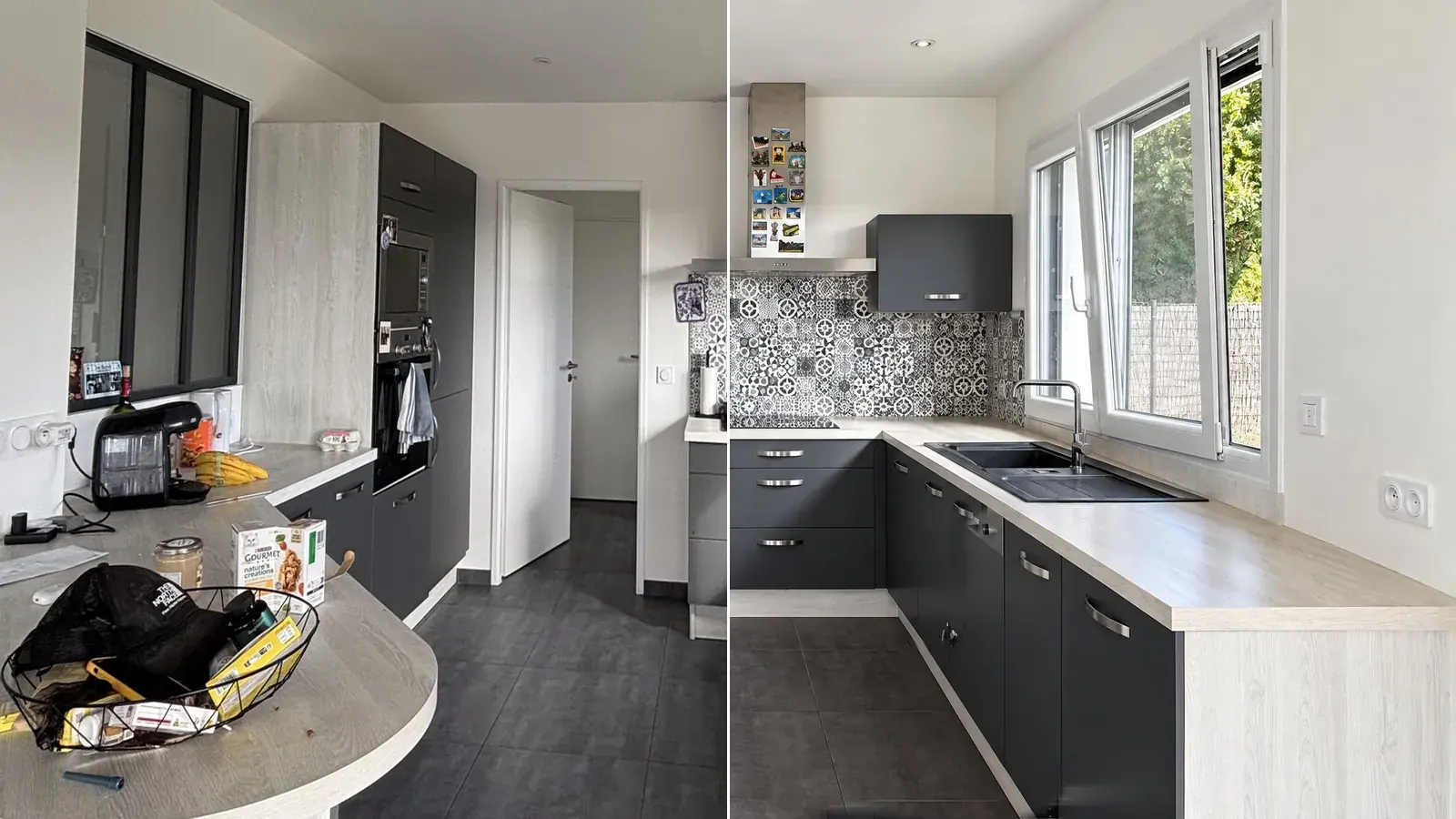

 Enhance
A dark room becomes readable again
Exposure, colours and verticals put right. Nothing is added, nothing is taken away.

AI photo editing for estate agents
Shoot the property on your phone. Maiso straightens the verticals, opens up the light, clears the clutter or furnishes the room, and hands back photos that get viewings booked. Made for estate agents, not for photographers: no studio, no supplier, nothing to learn.
10 free credits. No card needed.
What Enhance does
The most used tool in the product takes a single click, and does four things at once. Here they are, on the photo below.

On real photographs
Every tool in the product is here, none left out. Drag the handle: on the left the photo as it arrived, on the right what Maiso gave back. No hand retouching behind it.
Enhance
Exposure, colours and verticals put right. Nothing is added, nothing is taken away.
 Declutter
Everyday clutter goes, the kitchen stays the seller’s own: units, splashback and window do not move.

 Empty
Furniture and belongings removed. Walls, floor, openings and the view through the doors stay put.

 Stage
Virtual staging in one click: furniture in the style of the buyer you are aiming at. The photo is flagged as a simulation in the studio.

 Transform
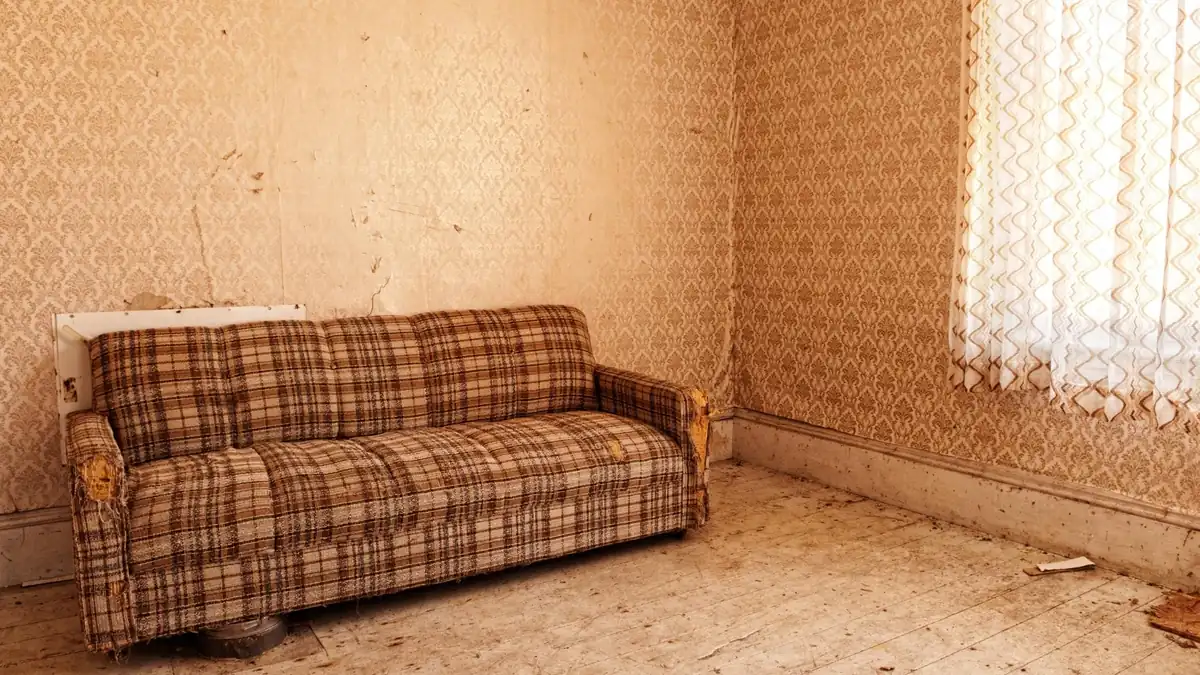
Tired wallpaper swapped for clean paint, and the room staged, in a single pass.
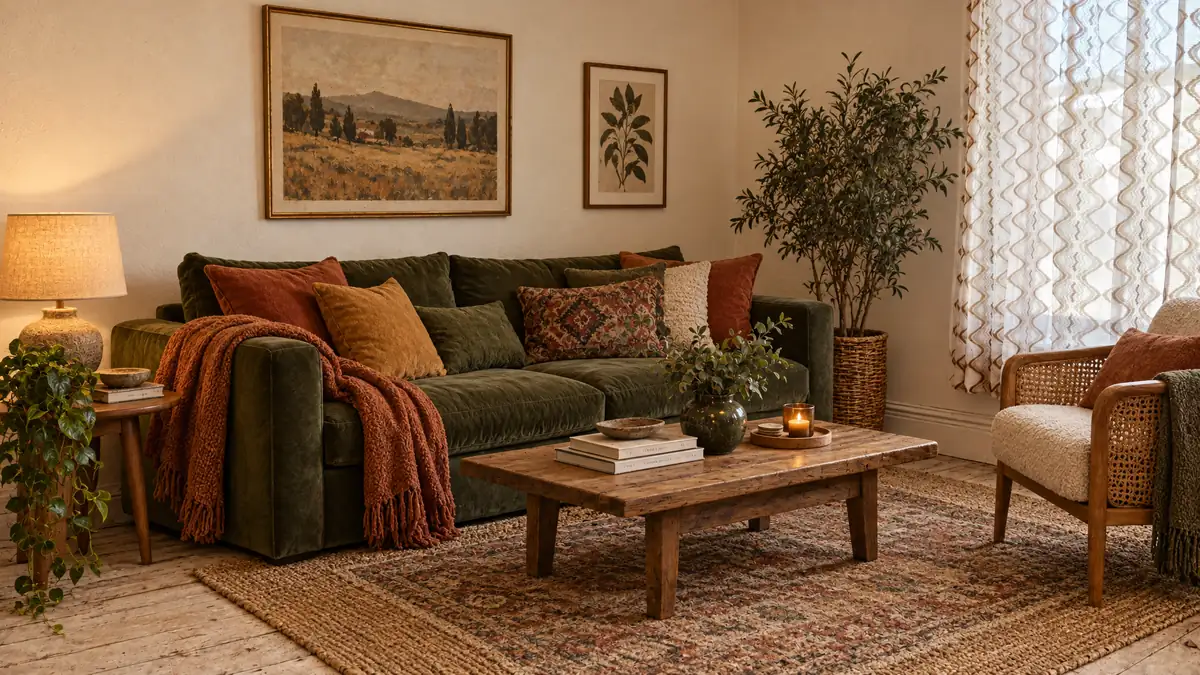
 Magic brush
Brush over whatever is in the way, here an open dishwasher and a wall unit. Everything else is untouched.

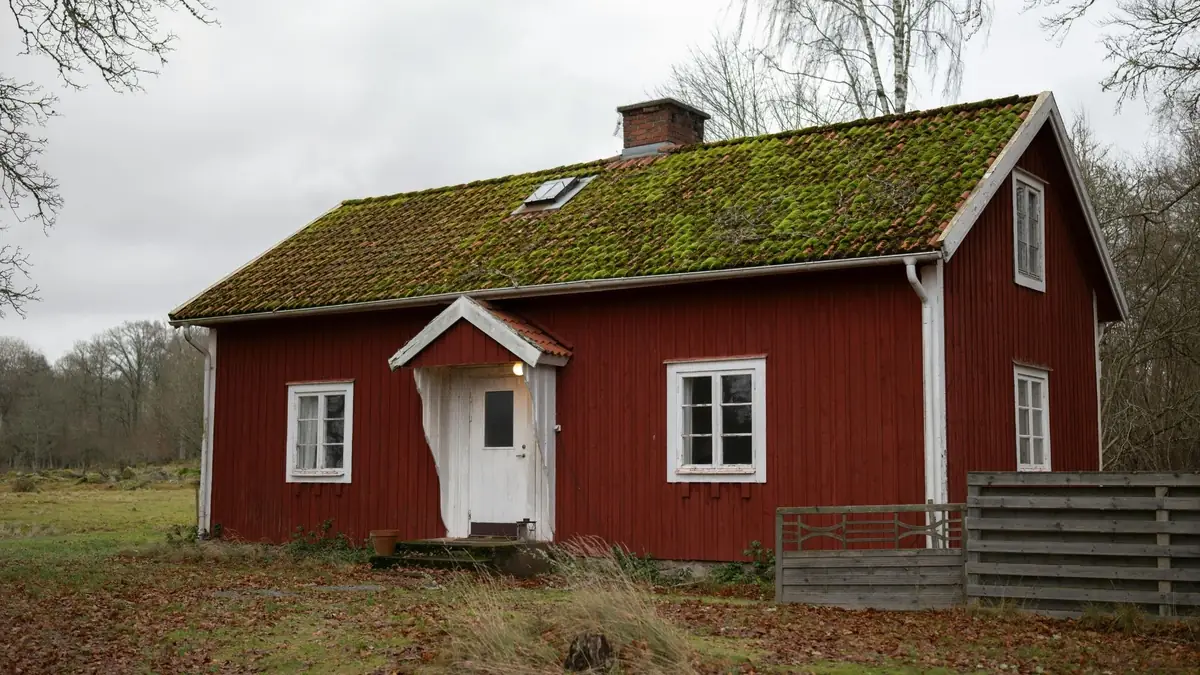
 Green lawn
The grass is revived without touching the house or the neighbours.
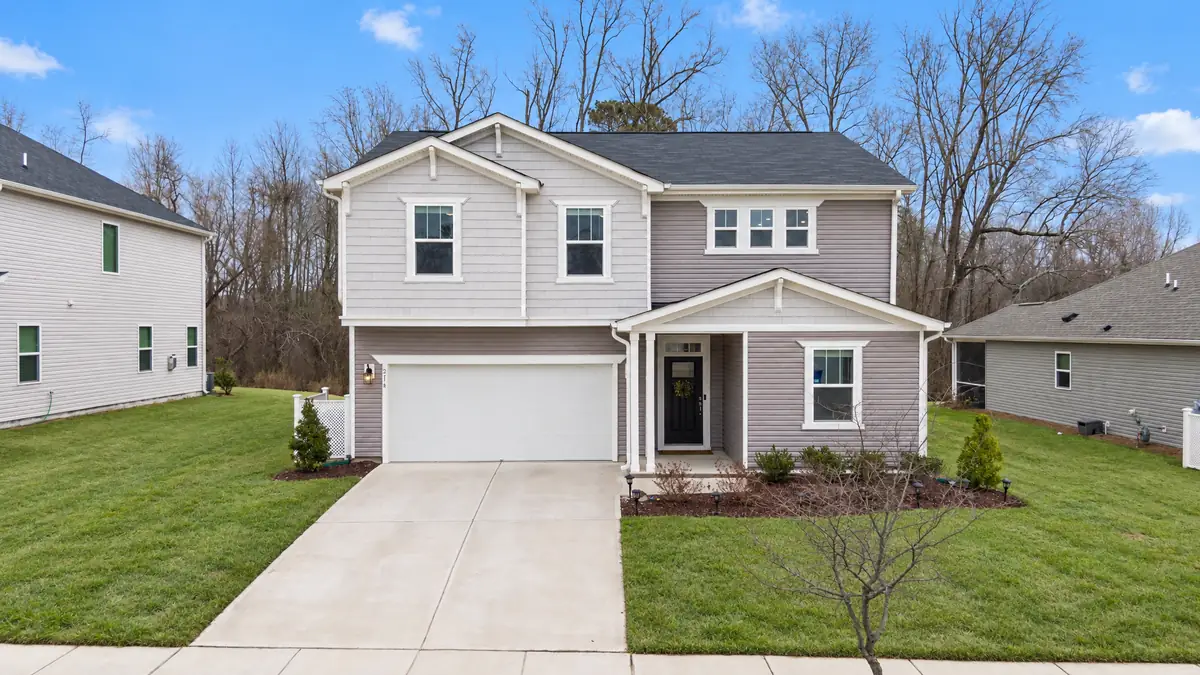
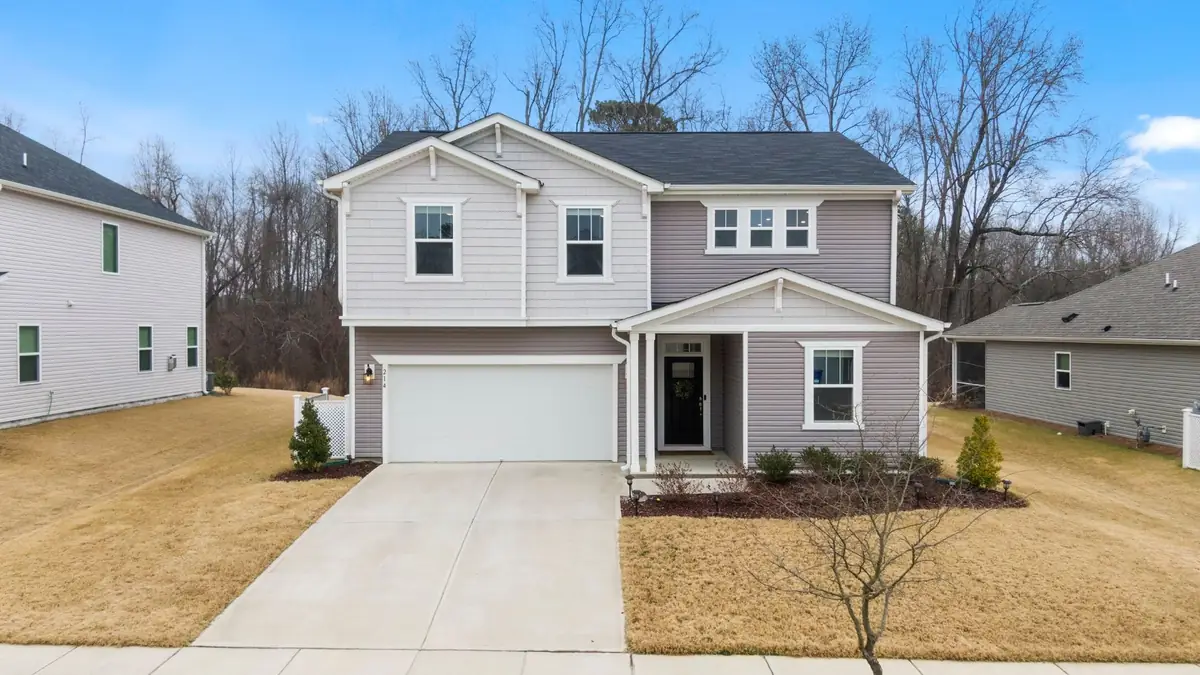
 Blue sky
Sky replaced, grass picked up. The house itself does not move a pixel.
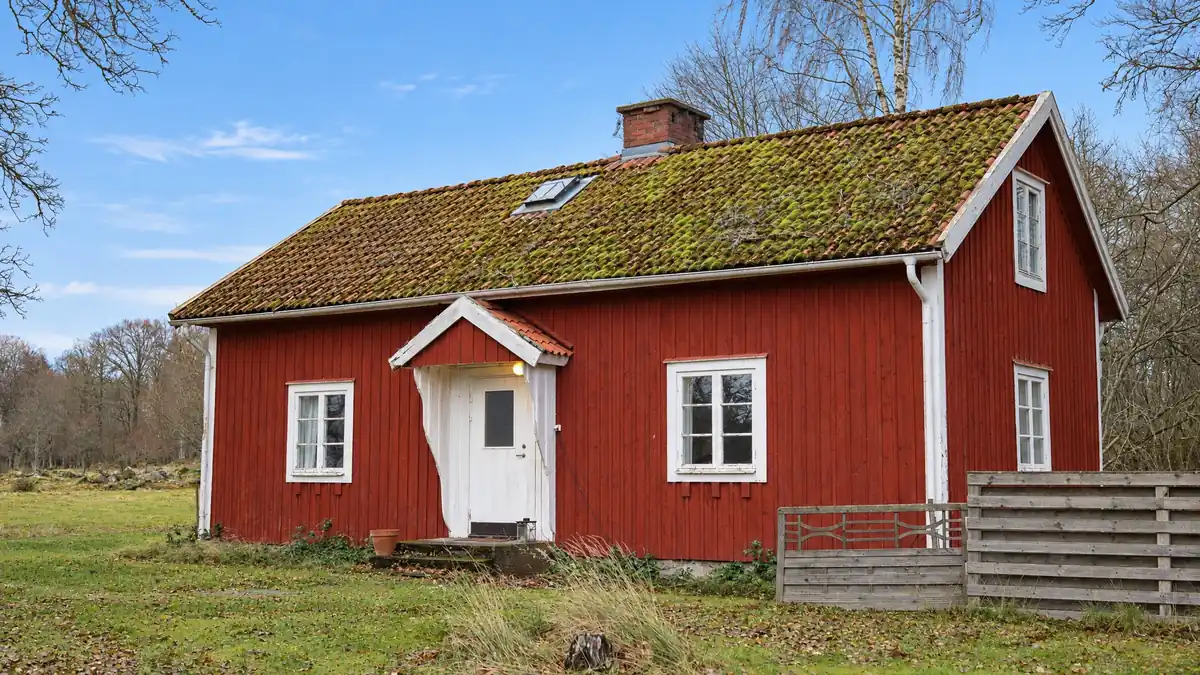
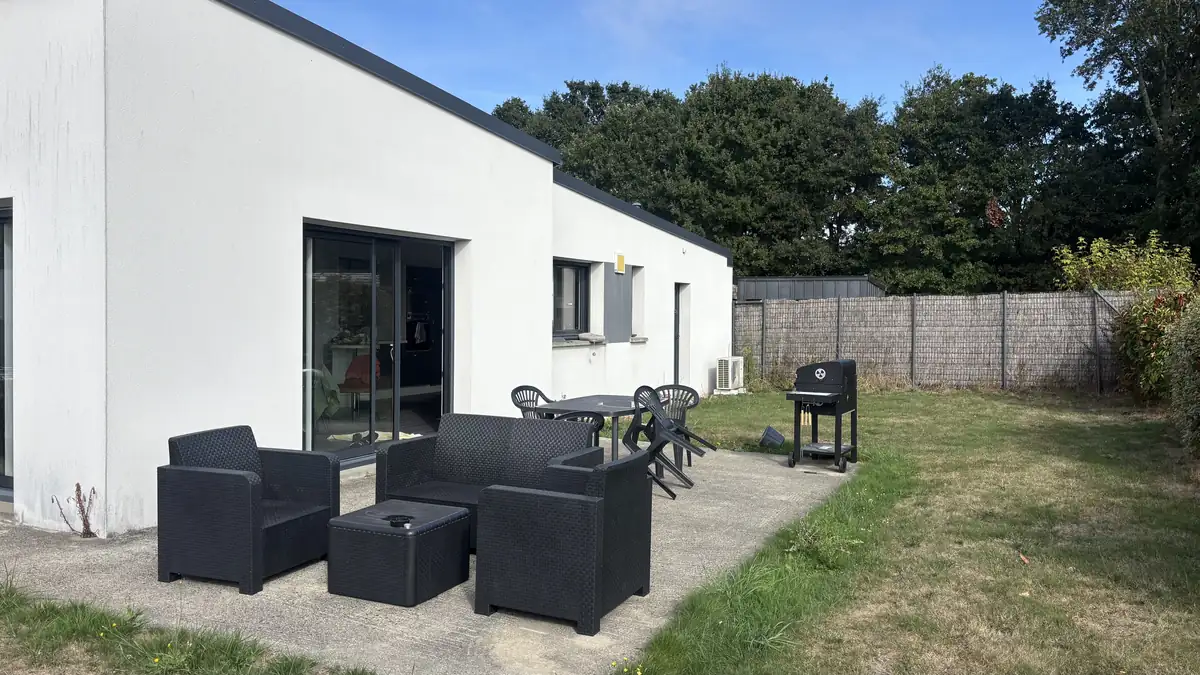
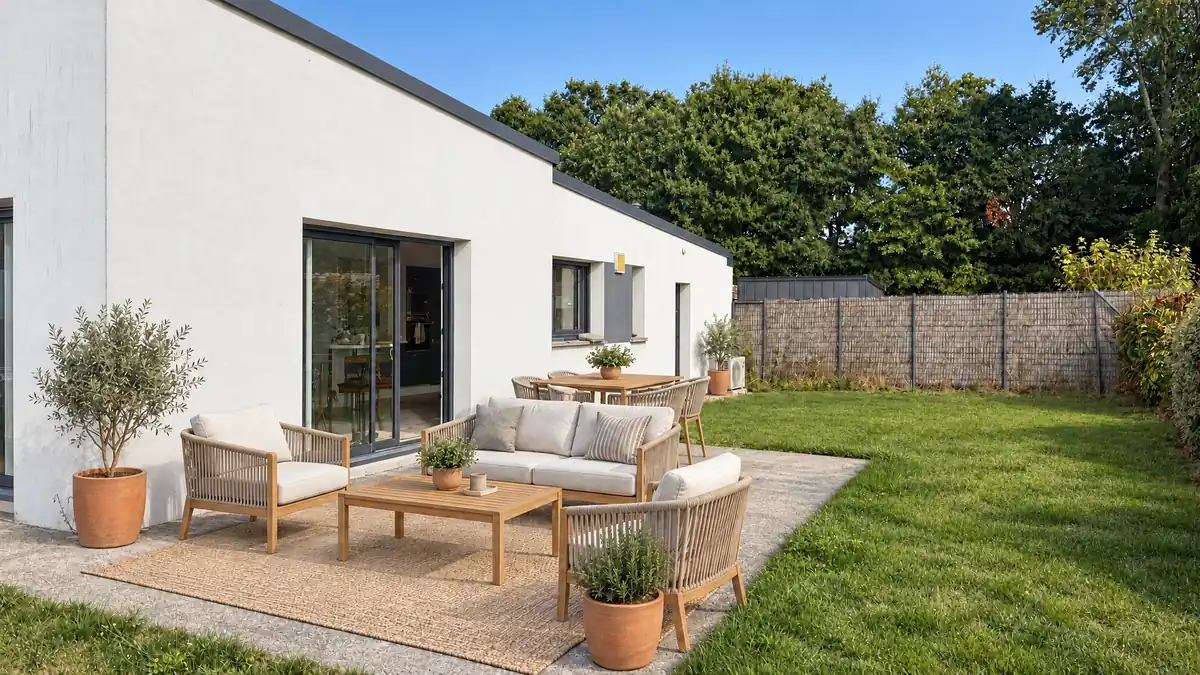
Terrace staging
Garden furniture is staged, exactly as indoor furniture is.
 Clear pool
The water is cleared without touching the coping or the shape of the pool.

Inside the studio
Estate agent photo editing software built for an agency, not for a studio: two screens are enough, one that holds your properties and one that edits them. Nothing to install, nothing to set up. Open a folder, tick what you want, come back two minutes later.


Send the photos while you are still outside the property, find them on a big screen when you get back. JPEG, HEIC or RAW: conversion and orientation are handled for you.
Every address has its own. Search finds it in two letters, and your recent folders stay within reach so you can move between instructions.
Tick the tools, run the whole set at once. The credit count shows before you click, never after.
Every version stacks up in the history with the original at the bottom. One button takes you back to it.
Slider, side by side, zoom to 200 per cent. You look at the detail before publishing, not after the vendor rings.
Full resolution for Rightmove and Zoopla, a lighter file for the window card. Virtually furnished rooms carry their label.
How it works
Nothing to install, nothing to set up. Your first property is done before your coffee is.
Drag the files across from your phone or your computer, in JPEG, HEIC or RAW. They are converted, turned the right way up and filed under the property.
Enhance, empty the room, stage it, change a floor or a wall, brush out an object. The same tool runs on one photo or on twenty at once.
Every result compares to the original on a slider. Export at full resolution, with your own logo if you want it.
 Your original never movesEvery version sits next to the photo you started from. Compare it, keep it, bin it. The original is still there.
 Every image is checkedThe result is compared to the original automatically. Anything that has drifted too far is flagged before you publish it.
 Simulations are flaggedA virtually furnished or emptied room is flagged in the studio, with a badge and in its history, so you know which photos to caption. You show what a property could be without letting a buyer believe it already is.
 Your photos stay in EuropeStored in the European Union. Delete your account and everything goes with it, first time of asking.
Pricing
Whatever you do not use rolls over to the next month, up to two months. A failed result costs nothing. No commitment, cancel in one click.
You pay for ten months and get twelve. Credits still land every month, exactly as they do on the monthly plan, and still roll over up to two months. One year commitment, renewed automatically.

£35/ month
£350/ year
23p per credit
that is £29 / month

£79/ month
£790/ year
16p per credit
that is £66 / month

£179/ month
£1,790/ year
15p per credit
that is £149 / month
One off top up: 50 credits for £22. Prices exclude VAT. Any tax due is worked out at checkout.
Going further
An empty room gets furnished, eighties wallpaper becomes a clean painted wall, a worn floor is redone. The buyer sees what the property could be instead of working out what it would take, and you have not moved a single piece of furniture.
Every simulated image is flagged in the studio. Showing what a property could become is allowed; letting a buyer believe it already looks that way is not.
Sofa, table, rug, plants. Furniture is placed at the right scale, in the perspective of your own photograph.
Wallpaper swapped for paint, carpet swapped for boards. Windows, doors and the volume of the room stay exactly as they are.
Contemporary, classic, Scandinavian, family. The same property presents differently depending on who you are aiming at.
Playing by the rules
Yes, and the line is not vague. Under the Consumer Protection from Unfair Trading Regulations 2008, a photograph must not mislead the average buyer about the property. Correcting a photograph is not misleading anybody; redrawing the room is, unless you say so. The product draws that line for you rather than leaving it to your judgement at five to six on a Friday.
Correction is not simulationLight, colour, verticals and clutter do not change the property: what the camera got wrong is put right. Emptying, furnishing, repainting or replacing a sky does change it, and the product treats those differently.Every simulation is labelledA staged or transformed image is flagged in the studio, with the original kept beside it, so you always know what you are publishing.Number plates, faces, and where your files liveBrush out a registration plate, a face or a family photo in one pass. Files are stored in the European Union, never used to train a model, and deleted with your account.Questions
Yes, within the Consumer Protection from Unfair Trading Regulations 2008: a photograph must not mislead a buyer about the property. Putting the light, the colour and the verticals right does not mislead anyone. Staging an empty room does change what is shown, which is why every simulated image leaves Maiso with a label on it. Our guide to what UK rules allow when you edit or stage a photo sets out where the line sits.
Export is at full resolution, 2K or 4K, in the portals’ expected proportions, and every photograph on this page came out of the product untouched afterwards. Drag any slider and judge it at the size a buyer will see it. What each portal asks for is in our guide to Rightmove and Zoopla photo size requirements.
Outsourced editing in the UK runs from roughly 90p to £3 an image, delivered in thirty minutes to the next working day. Here a photo costs between 15p and 23p depending on the plan, and it is ready in about two minutes. On a twenty photo instruction that is the difference between a tea break and tomorrow. The full numbers for a shoot are in our guide to the cost of a property shoot.
No. Every photograph on this page was taken on a phone, handheld, with no tripod and no bracketing. Straightening verticals and recovering light exist precisely for that: to start from an ordinary photo and end with a publishable one. Our guide to photographing a property with an iPhone covers the settings and where to stand, and our guides for estate agents go further.
No, and that is the whole point of the product: it is written for estate agents, not for photographers. No exposure sliders, no studio vocabulary, no selections with a mouse. You photograph the property, you tick what you want, you publish.
They stay exactly as they arrived. Every version is stacked beside the original, never on top of it, and one button takes you back. Files are stored in the European Union and are never used to train a model.
You get 10 credits when you sign up, with no card. That is a whole instruction’s worth of photos, judged on your own property rather than on ours. Free general purpose editors will crop and brighten, but they will not straighten a vertical or empty a room. To see how the options compare, read our comparison of estate agent photo editing software.
Reject it and the credit comes back. The original is untouched, since every version sits next to it and never in its place. Run it again with another style or another tool.
One credit for a correction: light, verticals, removing an object. Two credits for a simulation, because it redraws the room. The cost shows before you run anything, and failures are never charged.
Yes. Folders belong to the agency, not to whoever created them. Every user sees the shared properties and draws on the same balance, which is broken down per person in the settings.
Ten free credits when you sign up, no card needed. Enough to judge it on your own properties rather than on ours.