Guide · Taking the photos
Rightmove and Zoopla photo size: requirements, ratio and how many photos
Export your listing photos as JPEGs in landscape, in a 3:2 frame, about 2,000 pixels wide and well under 5 MB: that one file meets everything Rightmove and Zoopla publish. Here is what each portal says itself, checked on 16 October 2026 on its own help pages, why the sizes you read online disagree, what is actually shown on screen, and how many photos a listing needs.
By Teddy Verneuil, founder of Maiso · Updated
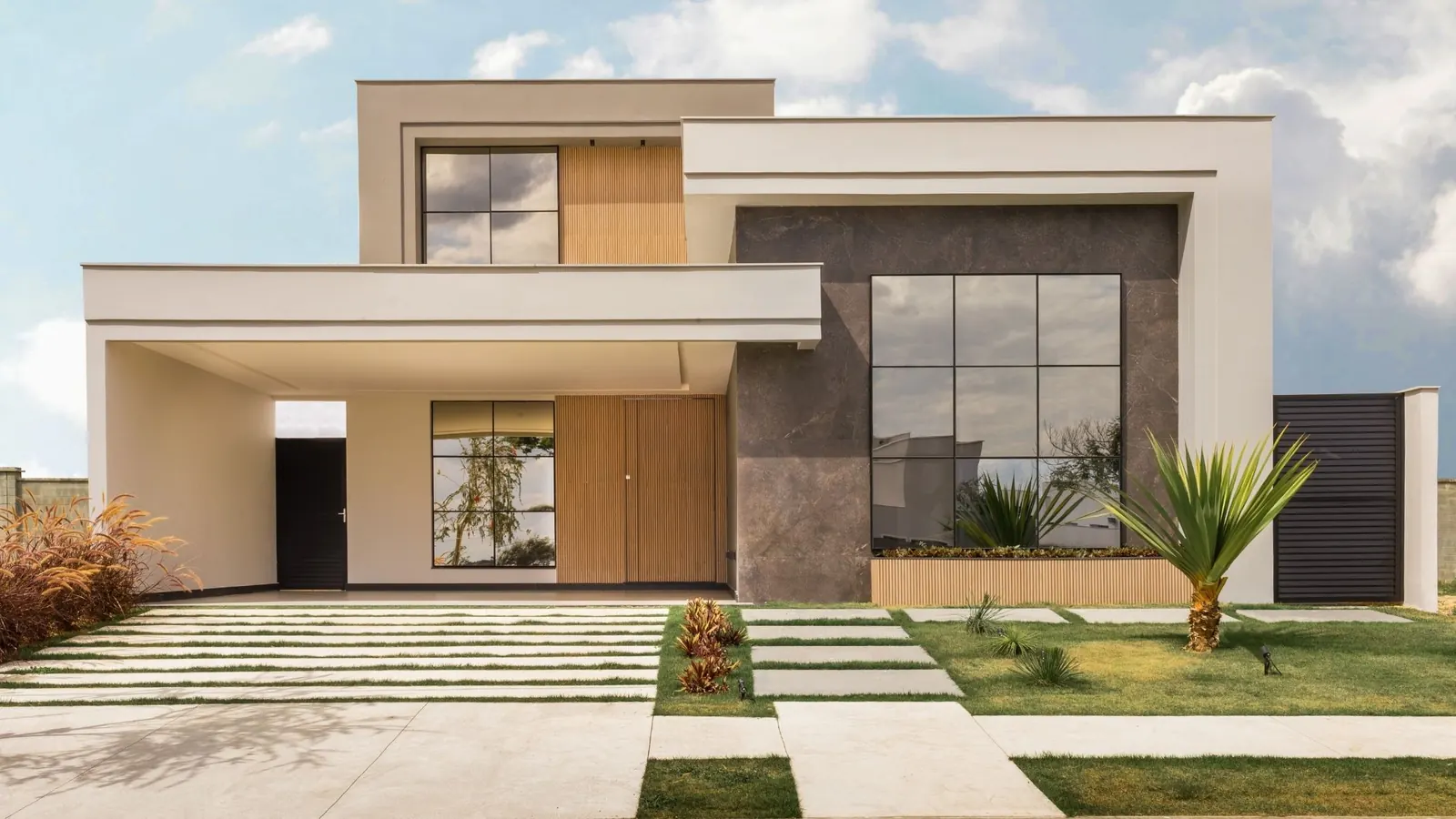
The sizes you read online disagree: here is what each portal says itself
Search for the size of a Rightmove photo and you will find 480 × 360 pixels, 656 × 437, 900 × 900 and 1,024 × 683, plus a file weight that ranges from 1 MB to 10 MB. The same goes for the ratio: a Rightmove guide from 2020 tells owners and landlords to shoot in 4:3, while its current help page asks for 3:2. Some of these figures come from Rightmove’s own older guides, the rest from blogs and tool vendors, and few say where they come from.
So we read the portals’ own pages on 16 October 2026. Rightmove’s customer FAQ was last modified on 12 October 2026; Zoopla’s help for members dates from October 2024.
| Rightmove | Zoopla | |
|---|---|---|
| Ratio | 3:2 | 3:2 |
| Pixel size | Up to 1,024 px on the long side, shown at most at 1,024 × 683 | Best at 1,024 × 768, at least 645 × 430 (portrait 768 × 1,024) |
| File weight | 20 MB per image from many feeds | No larger than 5 MB |
| File types | Not stated | JPG, GIF, BMP, PNG |
| Number of photos | No limit stated | Up to 20 images per property may be displayed |
| In the image | No text, borders, banners or corner flashes; watermark only if white, translucent, at most a quarter of the image and 30% opacity | No phone numbers, email addresses or promotion of the member |
Rightmove: customer FAQ on property images, modified 12 October 2026, and the agent and developer technical guidelines, January 2026. Zoopla: “Adding photos to your listings”, updated 4 October 2024, and the members’ terms. Checked 16 October 2026.
Two things stand out. The portals agree on the one number that matters, the 3:2 ratio. And Zoopla’s own page contradicts itself: it asks for 3:2, then gives 1,024 × 768 as the best size, which is 4:3. We follow the ratio, because both portals ask for it, and treat the pixel figure as a floor.
Your 4,000-pixel photo is shown at 1,024: what the portals really display
A modern phone or camera produces images of 4,000 pixels or more on the long side. Rightmove tells you plainly what happens to them: it accepts images up to 1,024 pixels in width or height, and a landscape photo is shown at 1,024 × 683 at most. You do not need to resize your files, because Rightmove does it for you.
What the visitor sees is smaller still. The search results show your photo at 224 × 149 pixels, and the gallery on the property page at 656 × 437. If you send a larger image, the listing offers an “enlarge” link that shows the photo up to a maximum height or width.
More pixels do not make the photo sharper on the portal, they only decide what the “enlarge” link can show. What makes the thumbnail work is the framing, the light and the straight walls.
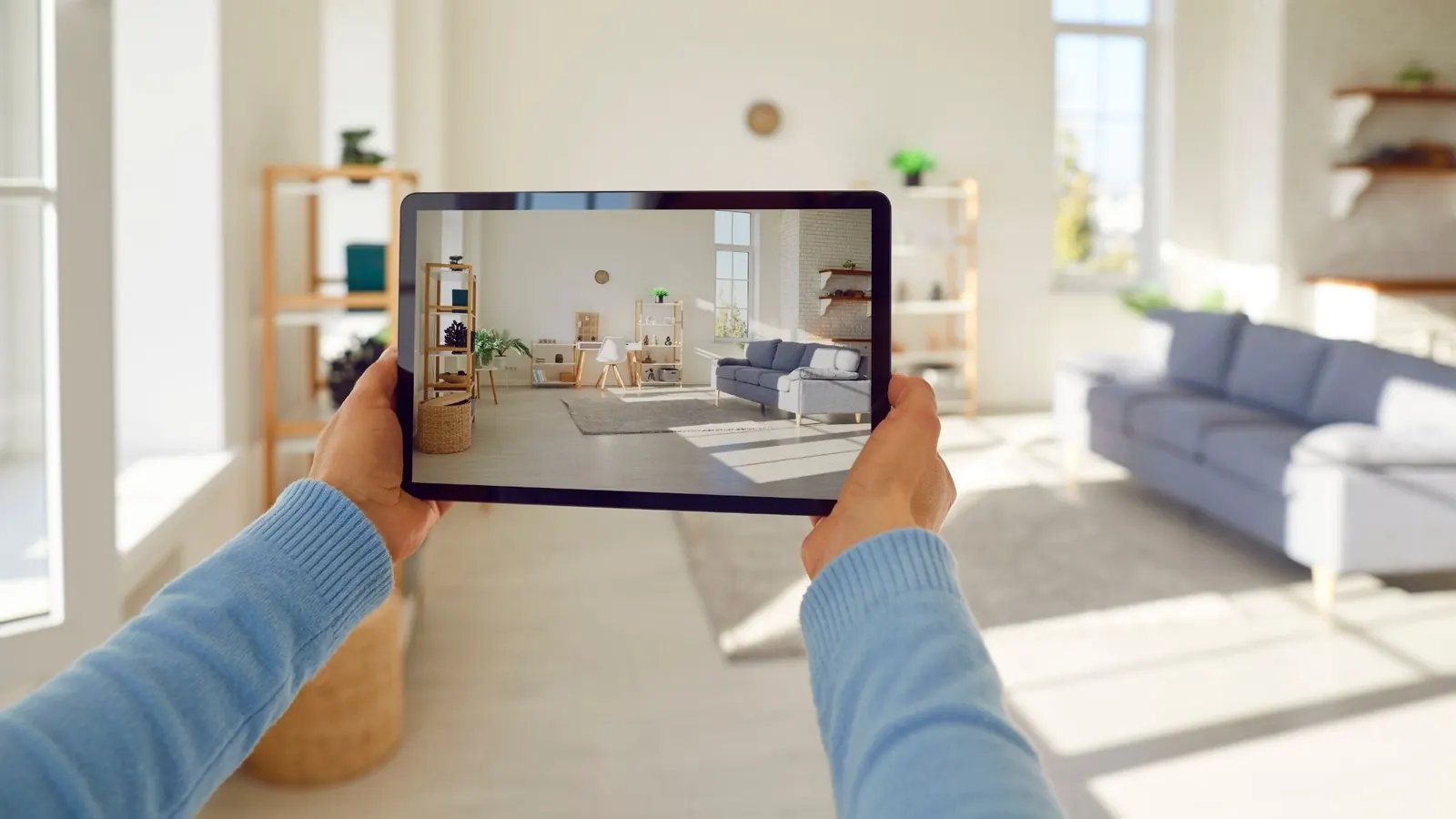
That is why the first photo matters more than the technical figures. The portal shrinks everything to a thumbnail, and only a photo that reads at that size gets opened.
One file for both portals
Since the two portals agree on the ratio and neither contradicts the other on anything else, you can make one file that fits both. Use it for every photo:
- JPEG. Zoopla lists JPG among its accepted types, Rightmove does not state any, and JPEG is the one nobody questions.
- Landscape, 3:2. A 3:2 frame is the shape both portals ask for. 1,024 × 683 is 3:2, rounded to the pixel, which is the size Rightmove displays.
- About 2,000 pixels on the long side, that is 2,000 × 1,333. It gives the “enlarge” link something to show on Rightmove, clears Zoopla’s minimum several times over and stays far below its 5 MB limit.
- Nothing in the image: no border, no logo, no text. Rightmove’s guidelines say images must not contain text. If the photo is a simulation, the label goes elsewhere: see the section below on labelling.
Why 3:2 when Zoopla’s best size is 4:3?
Your iPhone shoots in 4:3, and Zoopla’s optimum of 1,024 × 768 is also 4:3. But Zoopla’s page asks for 3:2 in the same breath, and so does Rightmove. A 4:3 photo does not fit a 3:2 frame, so something gets cropped at the top or the bottom, and if you leave it to the portal you do not choose what goes. Crop to 3:2 yourself and the photo is shown exactly as you framed it. Our guide to shooting property photos on an iPhone explains how to frame for it from the start.
Your iPhone saves HEIC
With “High Efficiency” switched on, an iPhone saves HEIC files. Zoopla does not list HEIC among its accepted types and Rightmove states none, so convert to JPEG before you upload. It takes a second and the question never comes up again.
Photos ready for Rightmove and Zoopla, and worth a click
A correctly sized file is half the job. The other half is the photo that gets opened: a bright room, straight walls, a clear worktop, shown at 224 pixels wide next to a dozen other listings.
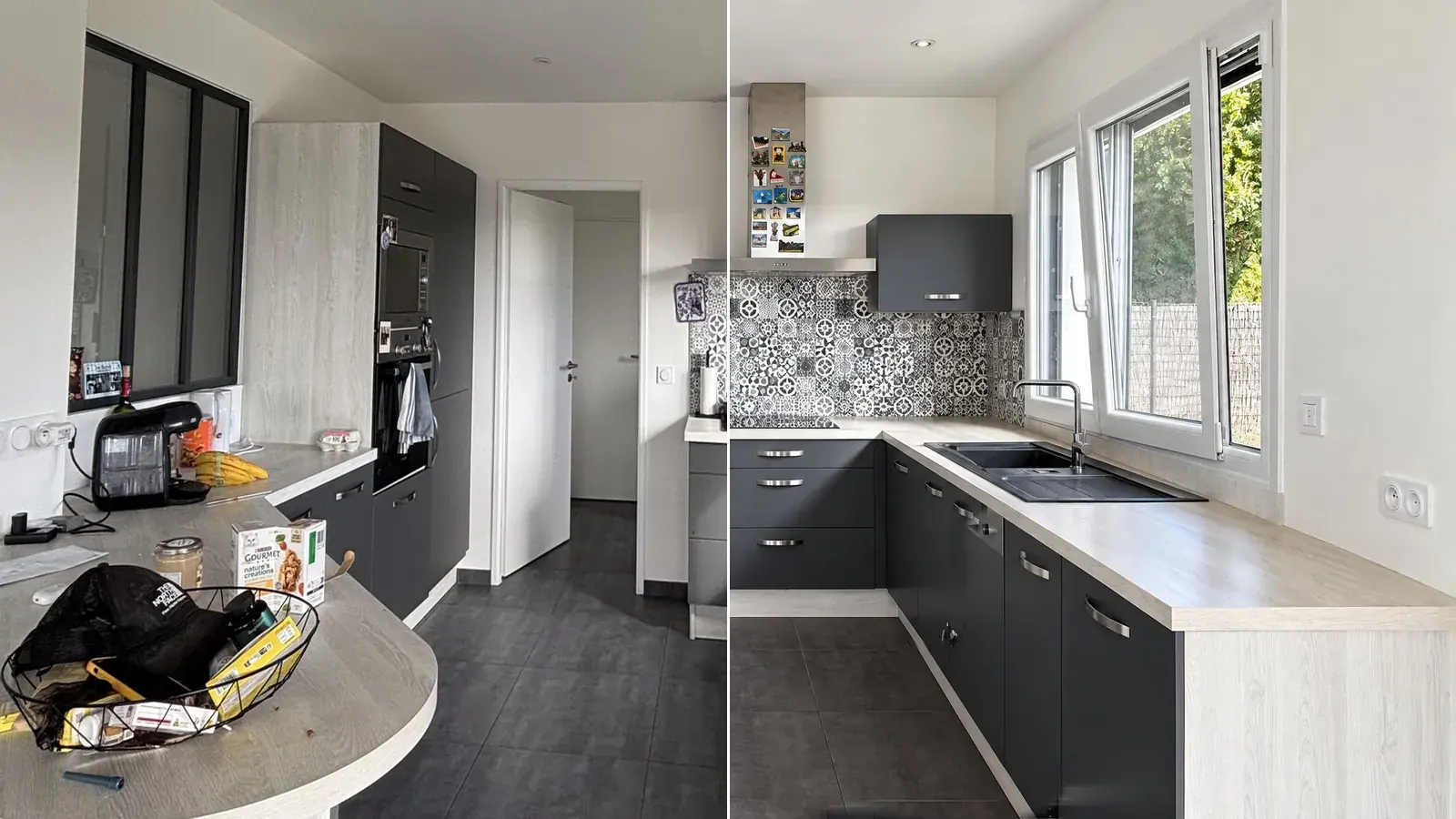
That is the job of Maiso, from the phone photo to the file ready to upload. It opens up the light, makes whites white again, straightens verticals on a photo that leans, clears clutter, and empties or furnishes a room virtually. Every result arrives next to the original, which is never overwritten.
- Crop to 3:2 the whole set in one go, at no credit cost, so every photo fits the portal frame as you chose.
- Export as JPEG in 2K (2,048 pixels on the long side) or 4K, one photo at a time or the whole set as a ZIP file, with stable file names.
- Flag what is simulated: every virtually staged or emptied room is flagged in the studio, so you know which photos to caption (see the section on labelling below).
- Sign your photos: your own logo as a watermark, as an option at export, placed where you want it, with the size and opacity you choose. Rightmove accepts a watermark only if it is white, translucent, no larger than a quarter of the image and at 30% opacity or less. The clean photo stays in the studio.
A twenty-photo instruction costs under £5 on the Solo plan. To see how it compares, our ranking of the main tools lists the prices we checked.
Try it free10 free credits, no card needed.
How many photos: no cap on Rightmove, 20 shown on Zoopla
Rightmove states that there is no limit on the number of images you can upload to a listing, though the software or feed you use may set its own. Zoopla’s members’ terms say it may limit the photos displayed to 20 per property. If you list on both, 20 is the practical ceiling.
Zoopla is also the portal that publishes what the number does. In its best-practice guide, it reports that sales listings with 15 or more photos had a search click rate 38% higher than those with five, and that for lettings 6 to 10 photos was the sweet spot. Floorplans added 9% to the search click rate for sales and 4% for lettings. Those measures date from 2022. How to make a floor plan, including a 3D one, is in our guide to floor plans for Rightmove and Zoopla. Rightmove’s advice to sellers is shorter: around ten images that show off the home’s best assets.
| Listing | Number of photos | Source |
|---|---|---|
| Sale | 15 or more | Zoopla best practice, 2022 measure |
| Let | 6 to 10 | Zoopla best practice, 2022 measure |
| Any, as a ceiling | 20 shown on Zoopla, no limit stated on Rightmove | Zoopla members’ terms, Rightmove FAQ |
Floorplan: +9% search clicks for a sale, +4% for a let, per Zoopla (2022).
Do not read “15 or more” as “as many as possible”. The portals’ own figures are a floor, not a target: one photo per room, two angles for the main reception room, and the floorplan. Our iPhone photography guide gives the table of how many to take and how many to publish, by type of property.
Rightmove bans text in photos, and requires AI edits to be labelled
These two rules look contradictory, and they are meant to work together. Rightmove’s technical guidelines, in their January 2026 edition, say that images must not contain text, apart from an arrow or an outline to show a location. At the same time, they allow “Enhanced Edits”: content generated or manipulated by AI, CGI, or changed by hand by adding or removing objects. Enhanced Edits are permitted as long as they do not misrepresent the property, and provided they are accompanied by current, accurate images of the room or property and clearly labelled as AI or otherwise enhanced. Rightmove may remove content that does not comply.
Light edits are a separate category: cropping, brightness and contrast, colour balance, shadow lifting and warming tones. The same guidelines say watermarks must be white, translucent, no larger than a quarter of the image, at 30% opacity or less, and “should contain no further messaging”. Zoopla’s members’ terms say that where a photograph is produced with AI, machine learning or similar technology, the member will make this clear, and that Zoopla may decline such content where the law requires it or to protect its sites. Zoopla’s terms also rule out phone numbers, email addresses and promotion of the member in images.
| Edit | What the portals say | What to do |
|---|---|---|
| Crop, brightness, colour, straighter verticals | Rightmove: light edits, permitted | Nothing to add |
| Furniture added, room emptied, objects removed, AI-generated content | Rightmove: enhanced edit, label it and add current photos. Zoopla: make it clear | Label in the caption and the description, keep the real photo of the room in the listing |
Neither portal says where the label must sit. Read literally, Rightmove’s ban on text in images and on messaging in watermarks leaves the caption and the description.
So do not stamp “Virtually staged” on the picture you upload to Rightmove: put the words in the photo caption and in the description, and keep an unstaged photo of the same room in the listing. The label on the image has its place everywhere else the picture travels, such as your own website, a brochure or social media. Our guide to what UK rules allow when you edit listing photos covers the rule behind the label.
The checklist before you upload
- Type: JPEG, one file per photo, no HEIC.
- Frame: landscape, 3:2, about 2,000 pixels on the long side.
- Weight: well under 5 MB, with no need to compress below it.
- Clean image: no border, no logo, no text, and a watermark only if it meets Rightmove’s criteria.
- Lead photo: the best reception room, or the front exterior if kerb appeal is the selling point.
- Number: 15 or more for a sale, 6 to 10 for a let, and a floorplan.
- Simulations: labelled in the caption and the description, never as text on the image, with a current photo of the room kept in the listing.
Finally, look at the published listing on a phone, then on a computer: the first thumbnail will tell you whether the framing holds.
Frequently asked questions
What size should photos be for Rightmove?
Rightmove accepts images up to 1,024 pixels in width or height and shows a landscape photo at 1,024 × 683 at most. It asks for a 3:2 ratio. Upload a larger file if you like: the listing then offers an “enlarge” link, and Rightmove resizes for you.
How many photos can you upload to Rightmove?
Rightmove states there is no limit on the number of images per listing, although the software or feed you use may set one. Its advice to sellers is around ten images that show off the home’s best assets.
What file types does Zoopla accept?
Zoopla’s help page for members lists JPG, GIF, BMP and PNG, with photos no larger than 5 MB. HEIC is not on the list, so convert iPhone photos to JPEG first.
Should I upload 4:3 or 16:9 photos?
Neither. Both Rightmove and Zoopla ask for a 3:2 ratio. A 4:3 photo is cropped at the top or bottom to fit, and a 16:9 one is cropped at the sides, so crop to 3:2 yourself and choose what stays in the frame.
How many photos should a Zoopla listing have?
Zoopla reports that sales listings with 15 or more photos had a search click rate 38% higher than those with five, and that 6 to 10 photos was the sweet spot for lettings. It may limit the photos displayed to 20 per property.
Can I put “Virtually staged” on the photo itself?
Not on Rightmove, whose guidelines say images must not contain text. Rightmove requires enhanced edits, including AI-generated or staged content, to be clearly labelled and accompanied by current, accurate images of the room, so put the label in the caption and the description. Zoopla’s terms require the member to make AI-produced photos clear, without saying where.
Do I need a floorplan?
Zoopla’s figures say yes: floorplans added 9% to the search click rate for sales and 4% for lettings in 2022. It is treated separately from the photos.
Upload your next photos in the right format, first time.
Ten free credits, no card needed: enough to edit, crop to 3:2 and export a whole property, and see how it looks on the portal.